Enroll your Security Engine in CrowdSec Console
The CrowdSec Console is a web interface providing management and extra features for CrowdSec Products.
For Security Engine users, the Console offers:
- A centralized view of your security posture across all your machines.
- The ability to manage additional blocklists
- And many quality of life and advanced features to enhance your protection.
The following guide assumes you have successfully installed one or more CrowdSec Security Engines.
If not, start with one of these guides:
Sign Up
You can sign up using Google SSO, Github SSO, or email and password.
We recommend using SSO for the best experience, but you can choose the method that works best for you.
Head over to the CrowdSec Console ↗️ and sign up for a new account.
Email Authentication
If you have chosen to sign up with email and password, you will receive a verification email. Click the link or enter the code to verify your account
If you do not receive an email, check your spam folder.
If it is still missing, click "Resend verification email" on the login page.
If more than 5 minutes have passed, contact us.
Survey
When you log in for the first time, we ask a few questions to understand your use case.
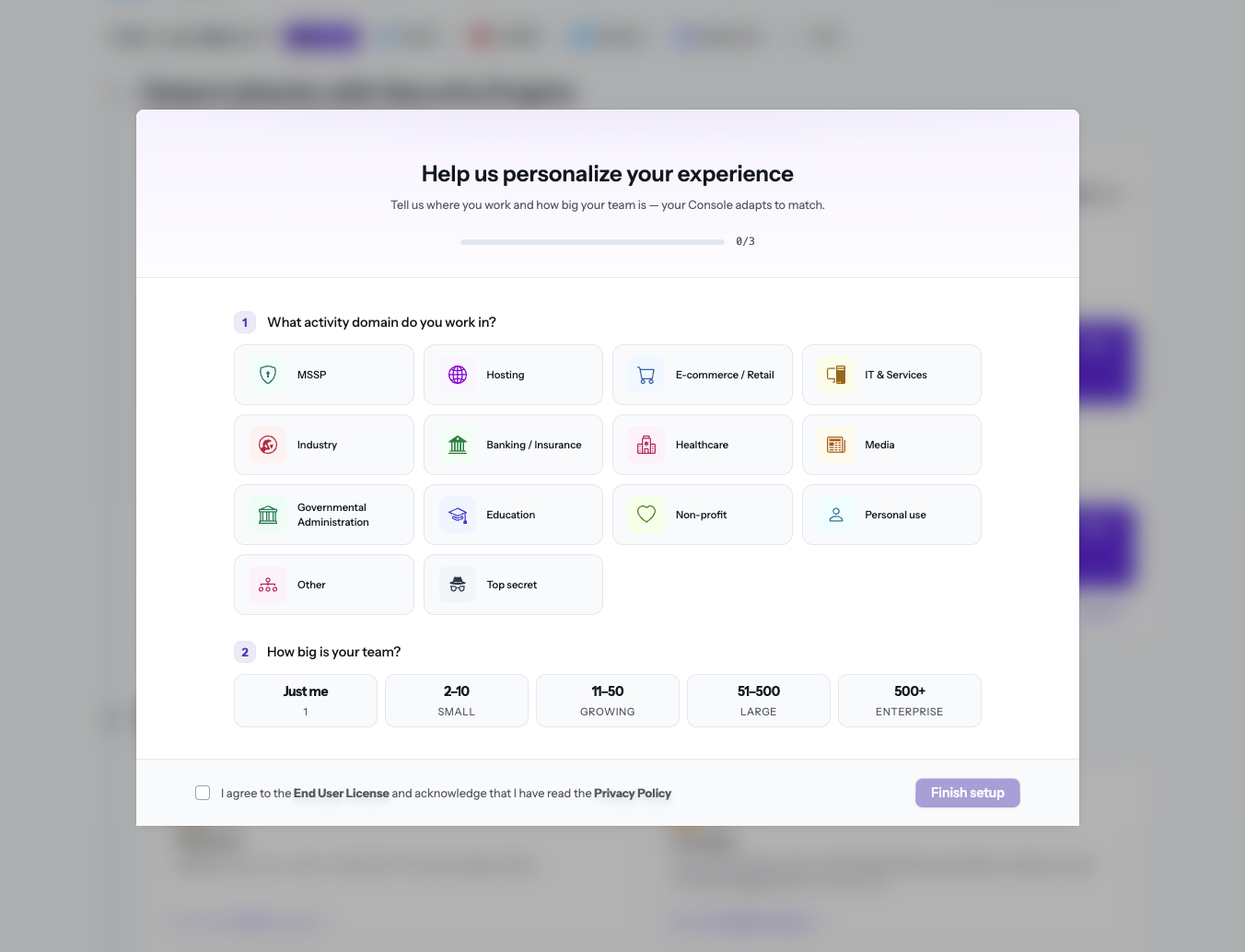
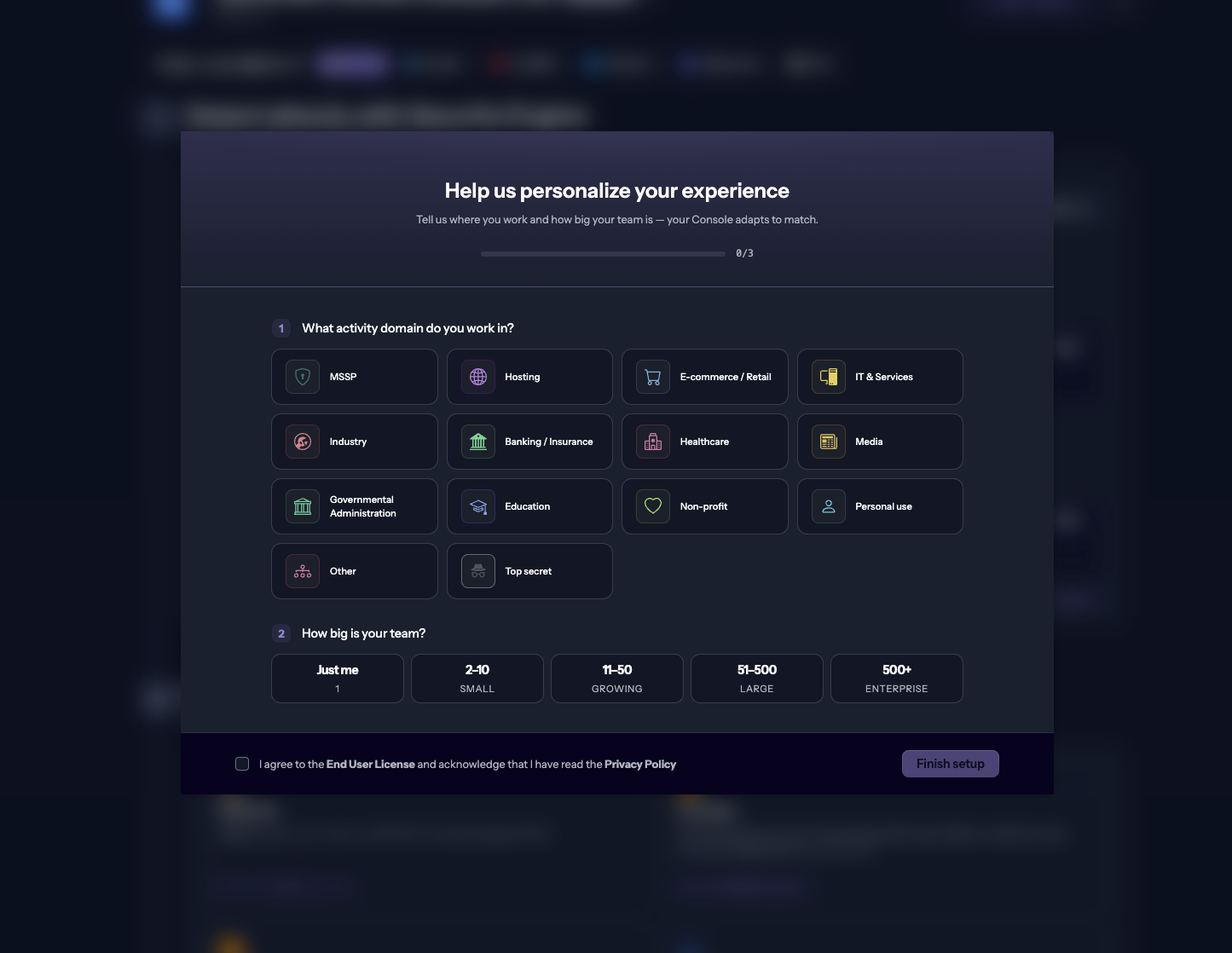
The survey is optional. We use the information to tailor your experience and better understand users.
Engines page
After signing up, the first page you see is the engines page, where you can view enrolled engines and their status.
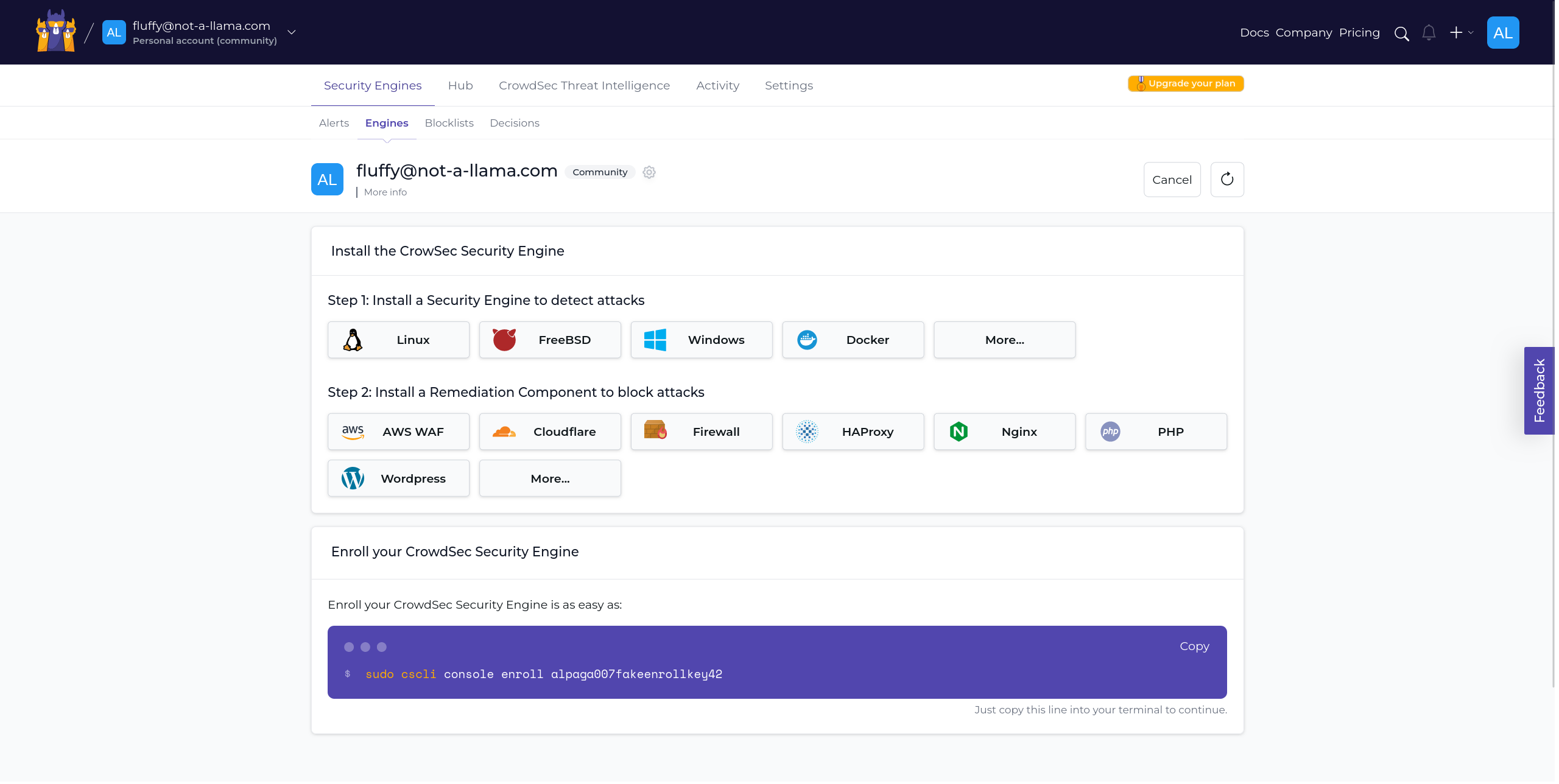
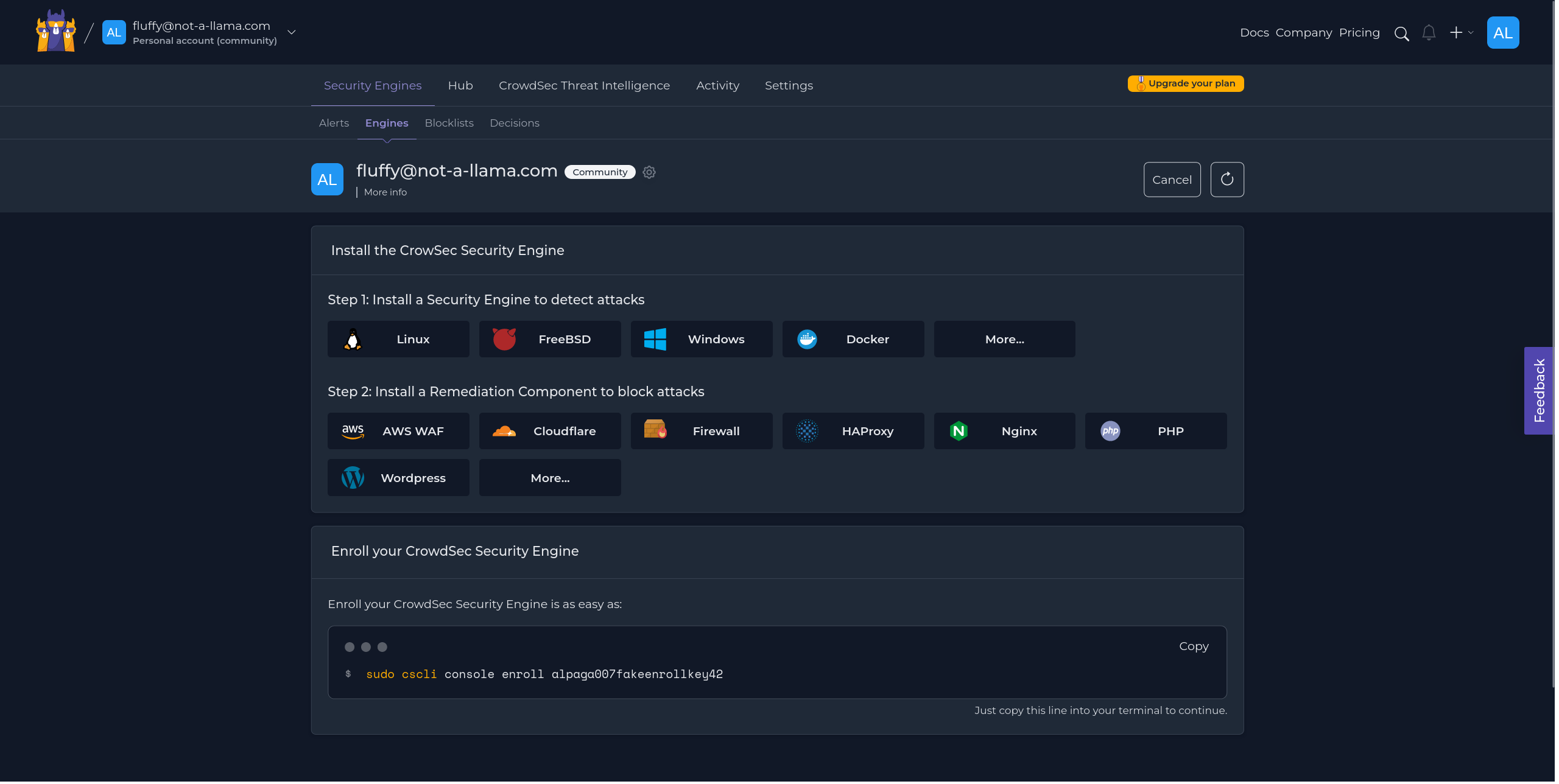
Since this is your first enrollment, you will not see any engines yet. Let's enroll one.
At the bottom of the page, you will see a code card with a command to run on your engine. This enrolls it to your account.
$ENROLLMENT_KEY is a placeholder for your actual enrollment key.
- Linux/Freebsd
- Windows
- Kubernetes
sudo cscli console enroll $ENROLLMENT_KEY
cscli.exe console enroll $ENROLLMENT_KEY
# In your values.yml file
lapi:
env:
  # To enroll the Security Engine to the console
  - name: ENROLL_KEY
    value: '{enroll-key}'
  - name: ENROLL_INSTANCE_NAME
    value: 'my-k8s-cluster'
  - name: ENROLL_TAGS
    value: 'k8s linux test'
INFO[2024-02-21T16:50:17Z] manual set to true
INFO[2024-02-21T16:50:17Z] Enabled manual : Forward manual decisions to the console
INFO[2024-02-21T16:50:17Z] Enabled tainted : Forward alerts from tainted scenarios to the console
INFO[2024-02-21T16:50:17Z] Watcher successfully enrolled. Visit https://app.crowdsec.net to accept it.
INFO[2024-02-21T16:50:17Z] Please restart crowdsec after accepting the enrollment.
Accept enrollment
Once you execute the command, a new engine appears on the engines page. Select it and click "Accept enroll."
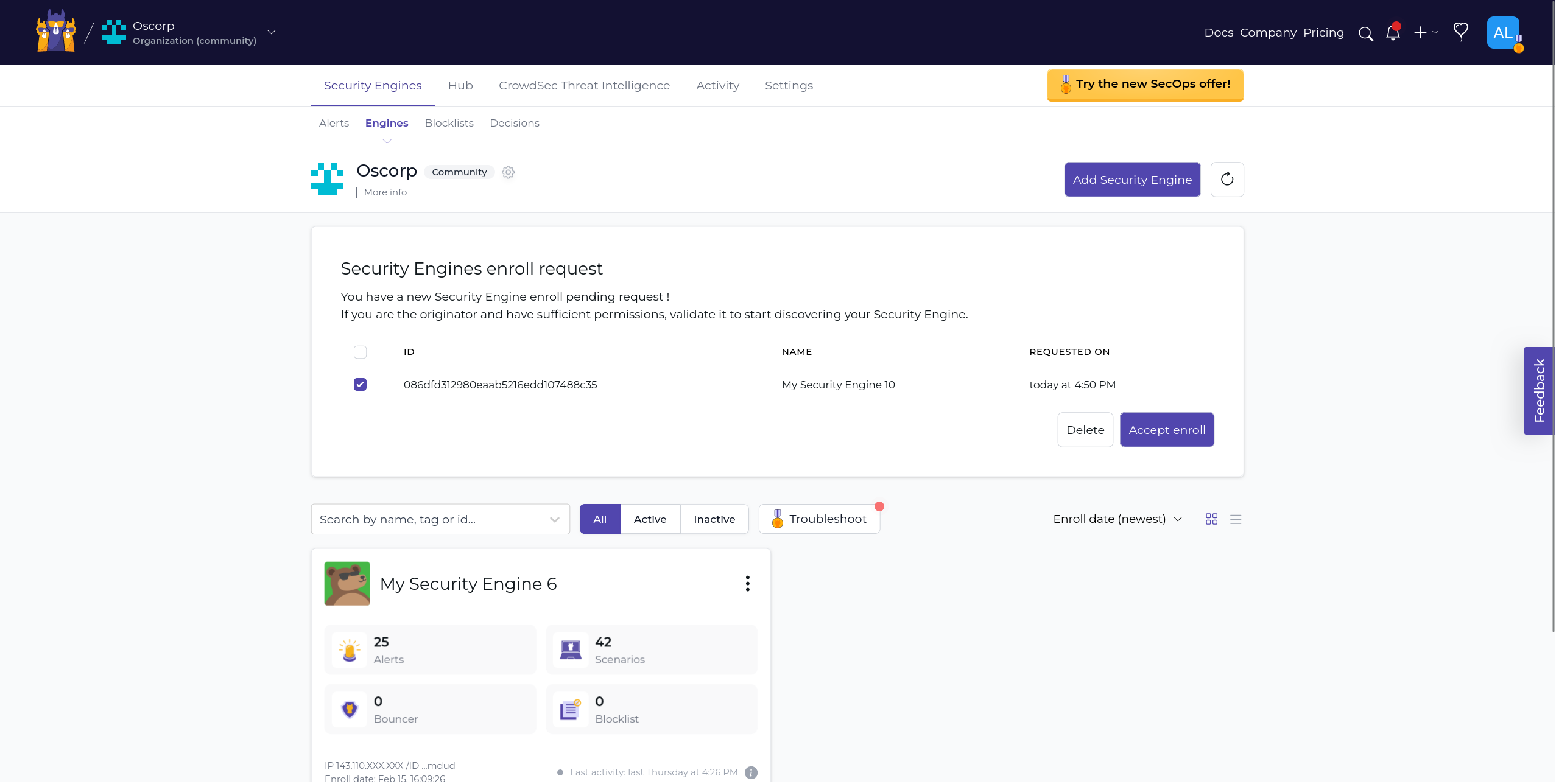
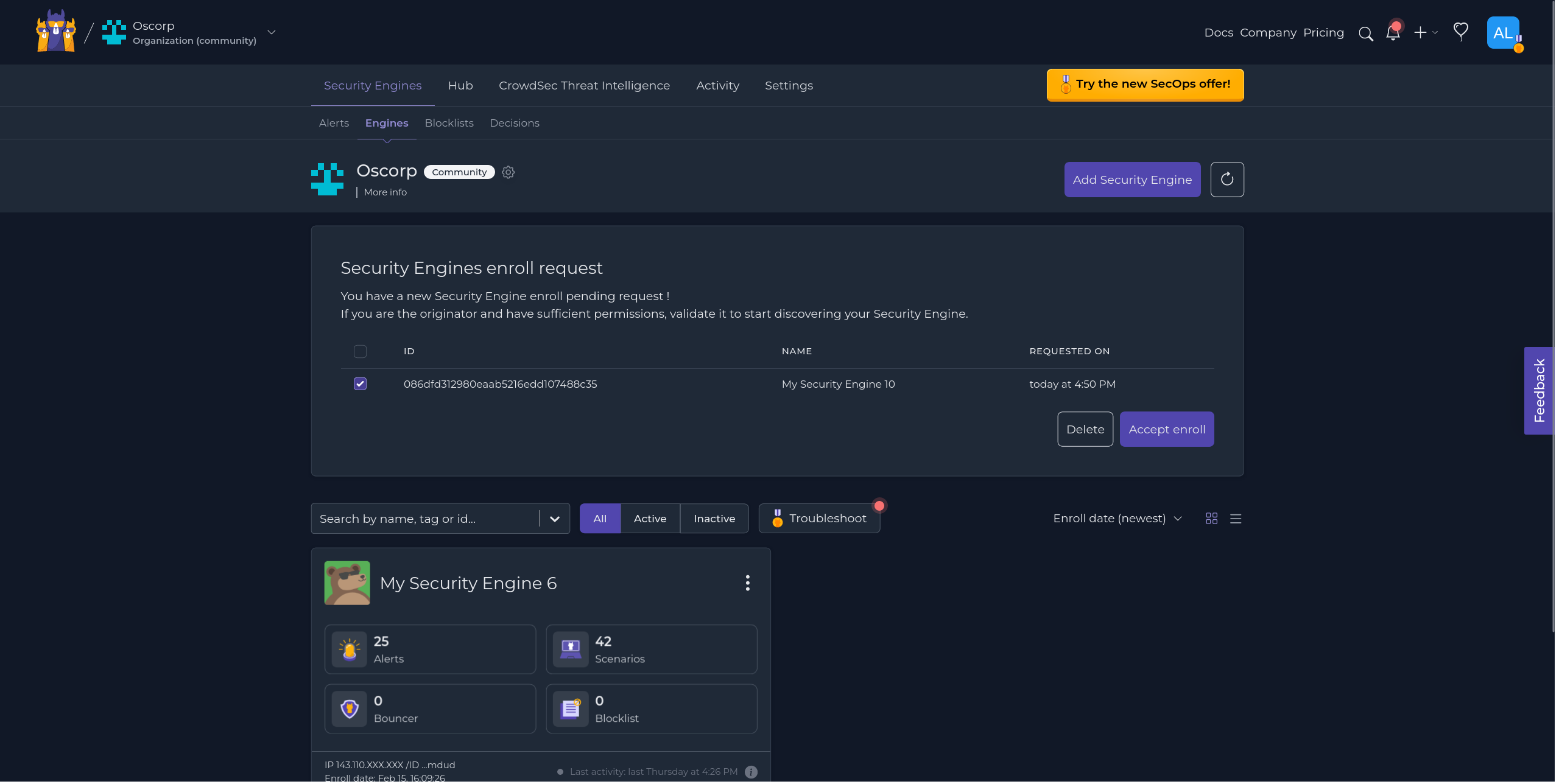
If you do not see the engine, use the refresh button near "Add Security Engine".
Restart CrowdSec
After accepting the enrollment, restart the CrowdSec service.
- Linux/Freebsd
- Windows
- Kubernetes
sudo systemctl restart crowdsec
Restart-Service crowdsec
kubectl delete pod -n crowdsec crowdsec-lapi-*
Restarting is not critical immediately, but it ensures metadata is fully synchronized.
Verify the connection
cscli console status reports the state of the link between the engine and the Console:
$ sudo cscli console status
╭─────────────────────┬───────────────────────────────╮
│ Console connection  │                               │
├─────────────────────┼───────────────────────────────┤
│ Central API (CAPI)  │ ✅ authenticated              │
│ Enrolled            │ ✅ enrolled                   │
│ Plan                │ SECOPS                        │
│ Decision management │ ✅ active                     │
│ Last order received │ 2026-08-25 10:12:03 +0000 UTC │
│ PAPI subscriptions  │ blocklist, management         │
╰─────────────────────┴───────────────────────────────╯
| Row | Meaning |
|---|---|
Central API (CAPI) | the engine is registered and can authenticate against the Central API |
Enrolled | the engine is attached to a Console organization |
Plan | the plan of the organization the engine belongs to |
Decision management | the Console can push decisions to this engine, which requires a SECOPS or ENTERPRISE plan |
Last order received, PAPI subscriptions | last order pulled from the Polling API, and the categories the engine is subscribed to |
The command then lists the sharing options, which you can change with cscli console enable/disable (see alert context).
If the engine is not registered against CAPI, or if CAPI cannot be reached, the command says so and only prints the local options:
$ sudo cscli console status
╭────────────────────┬──────────────────────────────────────────────╮
│ Console connection │                                              │
├────────────────────┼──────────────────────────────────────────────┤
│ Central API (CAPI) │ ❌ not registered, see 'cscli capi register' │
╰────────────────────┴──────────────────────────────────────────────╯
The connection table requires CrowdSec v1.8.0 or later. Earlier versions only display the sharing options.
Next steps
Now that your first engine is enrolled, explore the Console features:
If you want to follow the full setup, return to the post-installation steps.